
Table of Contents
A good portable monitor will greatly enhance both travel and work productivity. The best model should be lightweight, offer good display quality, smart wireless performance, outdoor visibility, and efficient power use. Learn everything you need to know so that you can find your ideal travel-ready setup.
6 Factors to Consider Before Buying a Portable Monitor
1. Weight and Portability
Opt for a slim, lightweight portable monitor like a collection of Mobile Pixels portable monitors. These can fit in your backpack or laptop bag nicely, especially if you travel frequently. For constant travelers, models weighing less than 2 pounds work well. It also features a slim profile, compact form factor, and protective sleeve to enhance monitor portability for easier transport and storage.
Buying Tip: For best portability, purchase a device that weighs less than 2 pounds and comes with a sturdy travel case.
Also check out: The Best Wallets for Digital Nomads
2. Screen Size and Resolution
Let’s have a quick look at the ideal resolutions that may work for you:
- The 12–14-inch monitor is lightweight, compact, and the best solution for travel.
- For a bigger scope of workspace to multitask, you need to go for at least a 15.6-inch display.
- For everyday tasks, coding, and spreadsheets, Full HD (1080p) is enough.
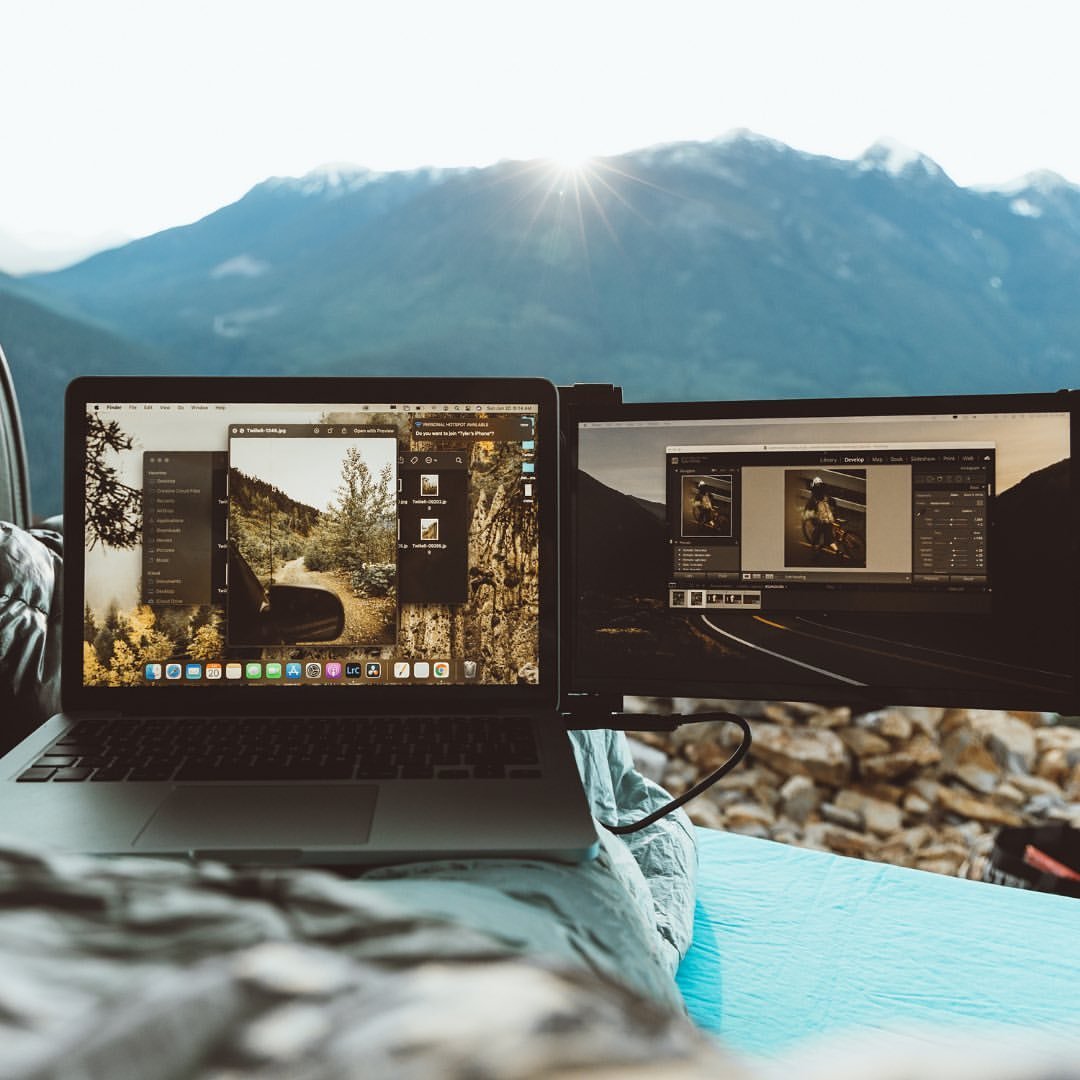
- For design and photo editing, and while watching videos, you can go with 2K or 4K displays.
Buying Tip: For most travelers, a 15.6-inch Full HD display gives the best balance between portability, screen area, and price.
3. USB-C vs. HDMI Connectivity
USB-C allows video, power, and data to be sent down a single cable, which is great for creating a cleaner setup with modern laptops that have Thunderbolt support. HDMI has broader compatibility with legacy devices but often needs an additional power supply. Review your laptop’s ports and need for USB-A adapters before you buy.
Buying Tip: Buy a screen with both USB-C and HDMI ports to make sure you can connect it with your current and future devices.
4. Brightness for Outdoor and Travel Use
The brightness of your monitor is defined in nits. 250 nits is good enough for hotel rooms and 300 nits fits airports—indoor cafés too, obviously. If you are working in bright environments outdoors quite often, opt for a 400+ nits display to minimize glare.
Buying Tip: Choose a monitor with a brightness of more than 300 nits for easy travel.
5. Power and Battery Requirements
Most portable monitors are bus-powered, which means they receive power right from your laptop via USB-C. This can, however, decrease the laptop’s battery life, even though it has convenience. A few models feature support for external batteries or power banks, which would enable work sessions lasting a working week. Most notably, this includes pass-through charging so that you can keep both devices charged.
Buying Tip: Travelers who work away from power outlets should prioritize monitors with power bank support or pass-through charging.
6. Mounting Style and Workspace Setup
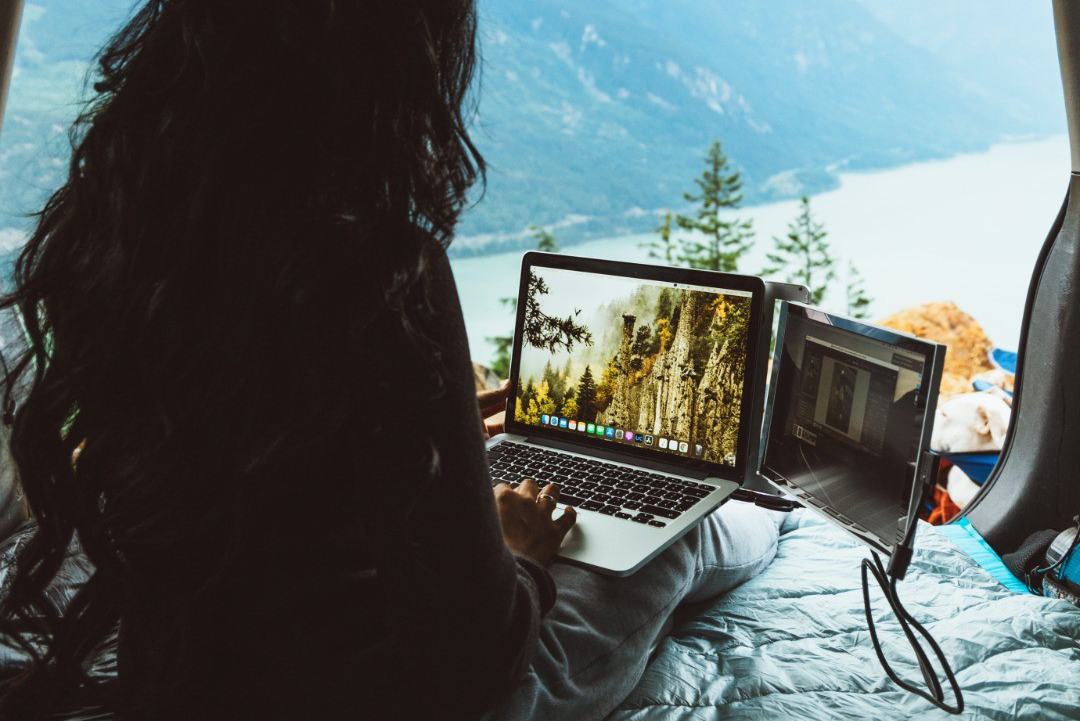
The mounting method of your monitor influences both comfort and portability. Desk-plates & magnetic covers create a wonderful on-desk experience, while laptop-lifted displays free up much-needed space on airline tray tables or the tables in small cafés. Dual-screen travel monitors make your work more productive without taking up too much space.
Buying Tip: Mobile Pixels DUEX, a laptop-mounted display, is a room-friendly solution for people who like to work in cramped spaces. And TRIO 3 Pro suits professionals who want to enjoy a portable multi-screen workspace.
Conclusion
Ultimately, selecting a good portable monitor involves optimizing a balance between portability, display quality, connection type, and power efficiency. Whether you like the added compact convenience of DUEX or the expansion of screen real estate with TRIO 3 Pro, you can stay productive when traveling.

